
Polylang alternative
The Polylang alternative with automatic translation built in
Polylang Pro connects to DeepL with your own key; its pricing page says it is not yet compatible with Elementor and some builders. Tranzly translates with DeepL or AI in the free edition, and Tranzly Pro handles Elementor, Divi, Bricks and more.
Already had a free trial? Buy now
Active on 7,000+ WordPress sites (WordPress.org).
Side by side
Tranzly or Polylang?
What each product’s own pages said on 2026-10-04. A dash means we could not confirm it on their pages, not that it is missing.
| Tranzly(recommended) | Polylang | |
|---|---|---|
| Price to start | Free; Pro from $89 a year | €99 a year (prices without VAT) |
| Free version | Included | Included |
| Word limits | None: you use your own translation account | none included: DeepL with your own key |
| Translation engines | DeepL, Google, Microsoft, or AI from OpenAI, Anthropic, Google, Mistral, DeepSeek and more | DeepL only, with your own key |
| If you stop paying | Your translations stay on your site and in search engines | — |
| Imports your existing translations from other plugins | Yes, from WPML, Polylang and TranslatePress (Pro) | — |
| Refunds | 14-day free trial, no card | 30 days, after first trying to solve the problem through a support ticket |
| Languages its own website is in | 58 | 1 |
✓ yes · • partly, or only on a paid plan or add-on · ✕ no · — not confirmed on their own pages
Sources (each read on 2026-10-04)
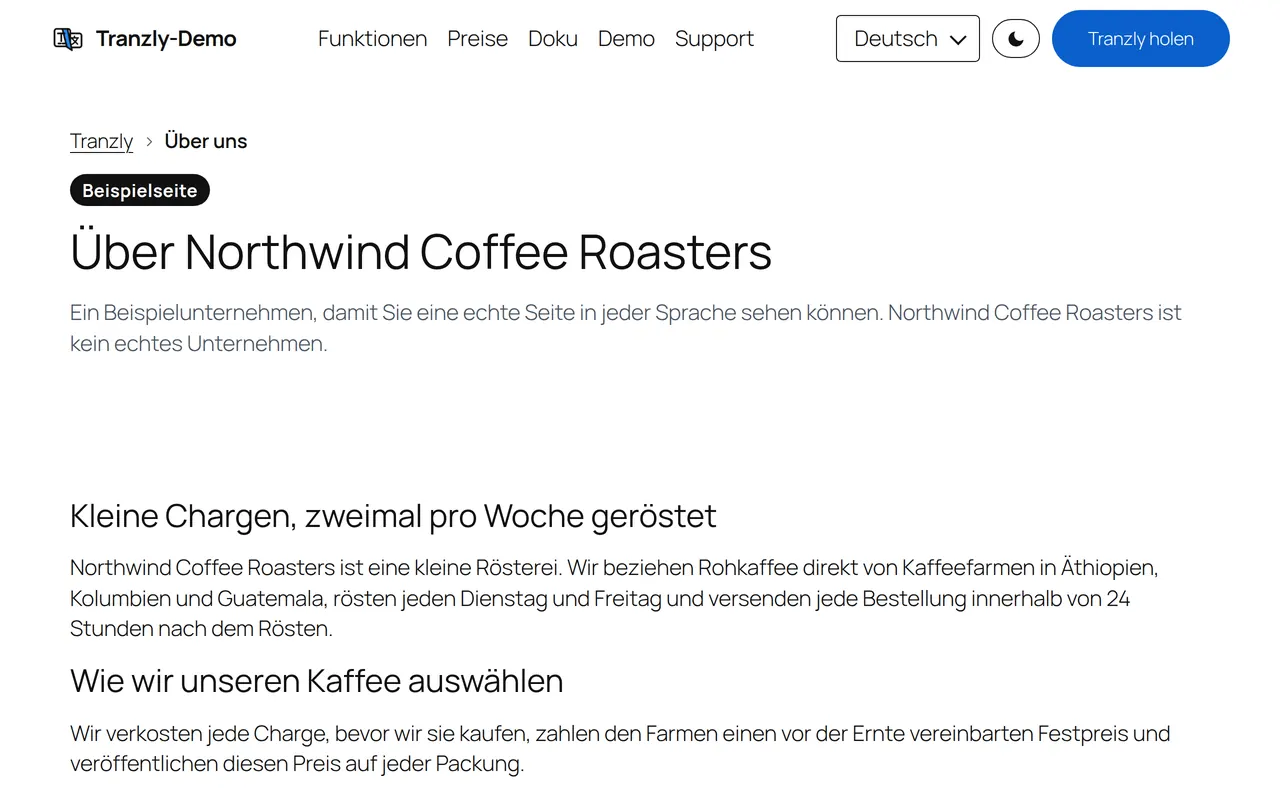
See it working
Every language is a real page on your site
This is our demo site in German, at its own German address, made by Tranzly. Every translation is an ordinary WordPress page you can open, edit, cache and see in search results.
Why people choose Tranzly over Polylang
Automatic translation in the free edition
Polylang’s pricing page lists machine translation as “DeepL Machine Translation integration (your own API key required)” in Polylang Pro. Tranzly’s free edition already translates with DeepL or an AI model.
Page builders included
Polylang Pro’s pricing page: “Currently not compatible with Elementor and some builders.” Tranzly Pro translates Elementor, Divi, Bricks, Beaver Builder, Oxygen and WPBakery.
One plugin for the shop
Polylang sells WooCommerce support separately (€99 a year). Tranzly Pro includes the whole WooCommerce shop.
Keep your Polylang work
Tranzly Pro links your existing Polylang translations, so every page keeps its translations and its address.
Where Polylang may suit you better
Polylang is lightweight, well established and has a very large free install base on WordPress.org. If that matters most to you, it is a good choice. If you want unlimited languages for free, no word limits and translations that are real pages on your own site, try Tranzly.
Switching
Move from Polylang in minutes
Tranzly Pro imports what you already translated in Polylang. Its data stays where it is, so you can go back, and one button undoes the import.
Questions people ask
Is Tranzly a free Polylang alternative?
Yes. Tranzly is free on WordPress.org with unlimited languages, translated addresses, hreflang and sitemaps, and machine translation with your own key. Tranzly Pro, from $89 a year with a 14-day free trial, adds WooCommerce, page builders and bulk translation.
Do I pay per word with Tranzly?
No. Tranzly never counts words. You pay your translation service directly, at its own price.
Where are my translations stored?
In your own WordPress database, as real pages, posts and categories linked to their originals.
Try Tranzly as your Polylang alternative
Start a 14-day free trial of Tranzly Pro, no card needed. Or start with the free plugin: unlimited languages, no word limits.