
AI agents
Let your AI assistant translate your WordPress site
Connect Claude, ChatGPT, Cursor or VS Code to your site and ask, in plain words, for a page in German or a whole shop in Japanese. Tranzly gives AI apps 73 safe tools that can do only what you are allowed to do.
What you get
Free
AI assistants can translate your site
Claude, Cursor, VS Code and other MCP clients can translate posts, terms, menus and strings, signed in as you and allowed only what you are allowed.
Free
Translation in the background
Translate a whole post type into several languages as one job that keeps going after you close the browser, with a report and one-click retry.
Free
A language API, REST and WP-CLI
PHP functions for the current language and translations, hooks, a REST API and wp tranzly commands.
Pro
AI quality check
Checks translations and names exactly what a person should review.
AI agents (MCP)
AI assistants can translate your site
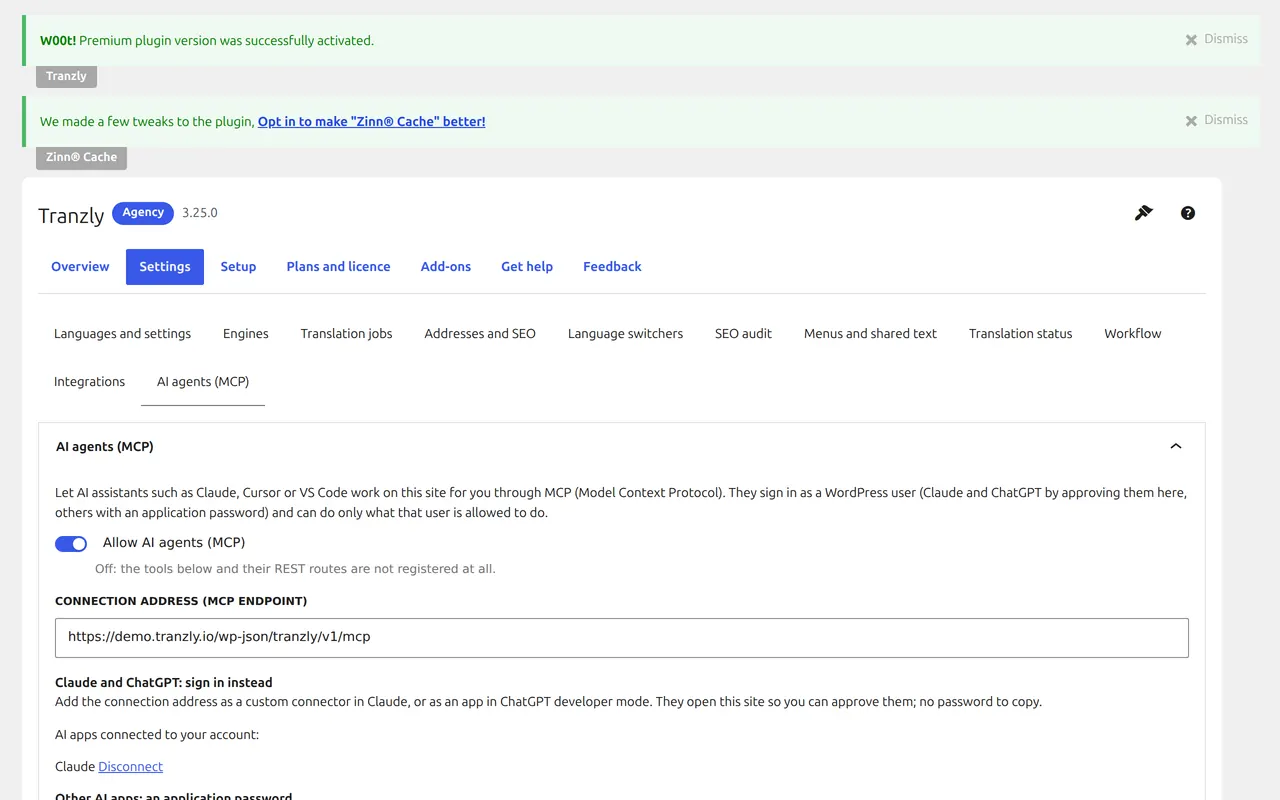
Your WordPress site is its own MCP server. An AI assistant signs in as a WordPress user with an application password and can do what that user may do with Tranzly — nothing more.
73 actions: 53 free, 20 in Pro.
Questions people ask
Is it safe to let an AI app change my site?
The AI app signs in as you, with your permission, and can do only what your WordPress account may do. You can switch it off or disconnect it at any time.
Which AI apps work?
Any app that supports MCP (Model Context Protocol), including Claude, ChatGPT, Cursor and VS Code.
Hand your translations to an AI assistant
Start free with unlimited languages. Tranzly Pro adds the rest, with a 14-day free trial and no card needed.